InvoiceLoop: Free Invoicing Software for Freelancers
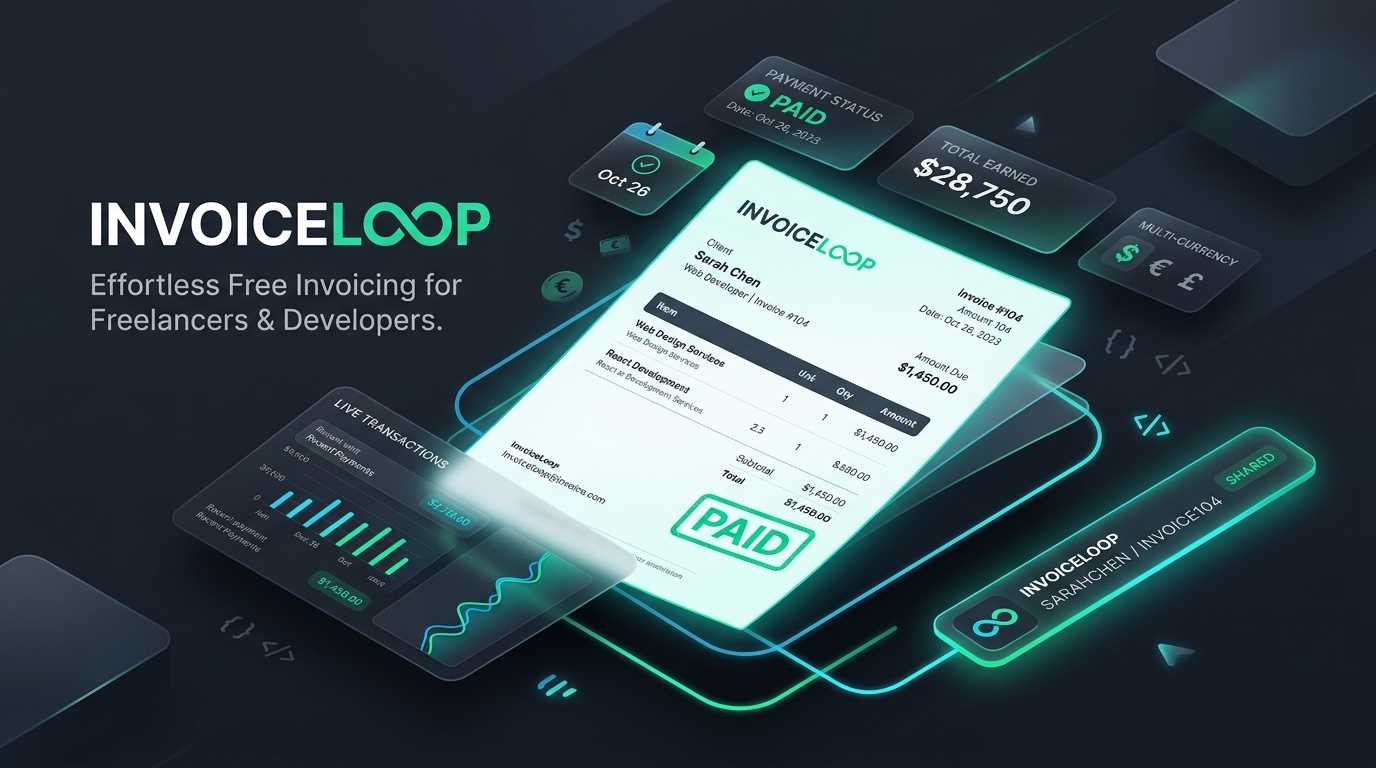
InvoiceLoop is free invoicing software for freelancers: shareable invoice links instead of PDF attachments, multi-currency support, and a real payment ledger.
Every freelancer eventually builds the same bad habit: a folder of invoice PDFs named things like invoice-final-v3.pdf, attached to an email, sent into the void. You don’t know if the client opened it. You don’t know if they forwarded it to their bookkeeper or lost it in a spam filter. And when it’s overdue, “did you get my invoice?” becomes its own uncomfortable follow-up email.
I got tired of that loop, so I built a tool that skips it. It’s called InvoiceLoop, and it’s live at sendinvoiceloop.com.
What InvoiceLoop Actually Does
InvoiceLoop is invoicing software built specifically for freelancers and small service businesses — not a stripped-down accounting suite with an invoicing tab bolted on. You create a client, build an invoice, and send a link. The client opens that link in a browser, no account, no login, no attachment to download. They see the invoice, and you can see exactly where it stands.
Every invoice moves through one status flow: draft → sent → paid → archived. Statuses only move forward. Once an invoice is marked paid, it’s locked — no quietly editing a line item after the client has already paid you. That’s on purpose. A paid invoice is a record, not a draft.
Why a Link Instead of a PDF
Email a PDF and you’ve handed off a static file with zero visibility. It can sit unread, get forwarded to three different people, or vanish into a downloads folder. A shareable link works differently:
- The client always sees the current, correct version — you’re never emailing “v2” after catching a typo
- If a link leaks or goes to the wrong inbox, you rotate the token and the old link stops working
- The invoice is print-optimized, so if the client’s bookkeeper genuinely needs a PDF, their browser’s print-to-PDF handles it in one click
- You get a real ledger of what’s outstanding, instead of guessing based on your inbox
None of this requires the client to sign up for anything. That’s the whole point — friction on your client’s end is friction on your cash flow.
What You Get on the Free Plan
InvoiceLoop’s free plan isn’t a crippled trial. It covers what most freelancers actually need day to day:
- Unlimited clients and invoices — no artificial cap pushing you to upgrade
- Multi-currency invoicing — USD, EUR, GBP, CAD, or AUD, with a default currency set on your business profile
- Optional sales tax — toggle it per invoice, with a state-level rate prefill when your client’s state matches your business’s home state
- Shareable invoice links with token rotation if a link ever needs to be revoked
- Email delivery straight from your own SMTP, plus manual overdue reminders
- Quotes — up to 3 open at a time, convert any of them to an invoice with no extra step
- Time tracking — up to 40 unbilled hours, then bill them straight into an invoice
- 1 active recurring invoice template, for that one client you bill every month
You can try the whole workflow before creating an account — the interactive demo lets you edit a sample invoice and generate a real (temporary) share link, no signup required.
Where Premium Comes In
Premium is a one-time purchase, not a subscription, and it removes the caps rather than adding a different product:
- Unlimited recurring invoice templates, with automatic sending when they generate
- Unlimited open quotes
- Unlimited time tracking, plus a running timer and per-client default hourly rate
- Automatic overdue reminders on a schedule, instead of sending them manually
- Removes the “Powered by InvoiceLoop” badge from your public invoice pages
If you’re billing one or two clients a month, the free plan will probably never feel small. Premium is for the point where recurring billing and time tracking become the core of how you run the business, not an occasional feature — especially if you manage monthly client retainers or ongoing website maintenance packages.
Built Like Software That Touches Money
Invoicing tools handle two things people are careful about: client contact information and payment status. Just like the security-first architecture behind EZ Page Sync, InvoiceLoop treats both accordingly:
- Passwords are hashed with scrypt, a memory-hard algorithm, not fast general-purpose hashing
- Changing your password immediately invalidates every other active session
- Login, signup, and password-reset forms carry honeypot fields, an HMAC-signed timing challenge, and IP/email throttling to blunt bot abuse
- Security headers — HSTS, X-Frame-Options, Referrer-Policy, Permissions-Policy — are set by default, not opt-in
- Share links use a rotatable token, so a leaked link doesn’t stay valid forever
- Paid and archived invoices are locked at the data layer, not just hidden in the UI
None of that is marketing copy for its own sake — it’s the baseline I’d want from any tool that’s holding my client list and payment history.
Getting Started
- Go to sendinvoiceloop.com/signup and create an account with your email and a password.
- Confirm the activation email — accounts don’t open a session until you do, which keeps fake signups out.
- Fill in your business profile: name, address, payment instructions, and logo. This is what shows up on every invoice you send.
- Add your first client and create an invoice.
- Send the link. That’s it — no client account, no attachment, no “did you get this?” email three days later.
Frequently Asked Questions
Is InvoiceLoop truly free?
Yes. The free tier includes unlimited clients, unlimited invoices, multi-currency support, sales tax calculation, quotes, time tracking up to 40 unbilled hours, and 1 active recurring invoice template. There are no trial periods and no credit card required to sign up.
How do clients pay their invoices?
Clients receive a tokenized shareable link that opens their invoice directly in any web browser without needing to register or log in. You can provide customized payment instructions (such as ACH transfer, wire, Zelle, or check) and links to your preferred payment processor.
Can clients still download a PDF invoice?
Yes. Every public invoice link is print-optimized with clean CSS print media styles. Clients and their bookkeepers can generate a crisp, standardized PDF in one click using their browser’s native Print to PDF command.
How does InvoiceLoop secure client and payment data?
InvoiceLoop enforces scrypt password hashing, immediate session revocation upon password change, HMAC-signed timing challenges, strict HSTS headers, and database-level immutability locks on all paid and archived records.
Who It’s For
InvoiceLoop is built for freelancers, consultants, and small service businesses who want a straightforward way to bill clients and know where every invoice stands — without paying for accounting software with a hundred features they’ll never open. If you’re running full double-entry bookkeeping across a growing team, you probably need something heavier. If you’re a solo freelancer or a two-person shop tracking quotes, hours, and recurring clients, it’s built for exactly that.
I built InvoiceLoop because I was running my own freelance invoicing through the same PDF-and-email mess most freelancers use. If that sounds familiar, start free at sendinvoiceloop.com — no card required. And if you’re evaluating custom software or web tools for your own business and want a second opinion, check out our custom web development services or get in touch.
Related Reading

How to Push WordPress Changes From Staging to Production Safely
Push WordPress changes from staging to production safely with a workflow that protects live data, rewrites URLs correctly, and preserves media without downtime.

The Complete Guide to Website Maintenance Costs in 2026
What does it actually cost to maintain a website in 2026? We break down hosting, security, updates, and more—so you know what to budget.

10 Tips for Optimizing Your WordPress Website
Speed up your WordPress site, improve SEO rankings, and provide a better user experience with these proven optimization techniques.
Need Help With Your Website?
Professional Web Development Services in Houston
Whether you need WordPress development, custom React applications, or eCommerce solutions, we build websites that convert. Free consultation, no pressure.